
Signature Printing: Next Steps


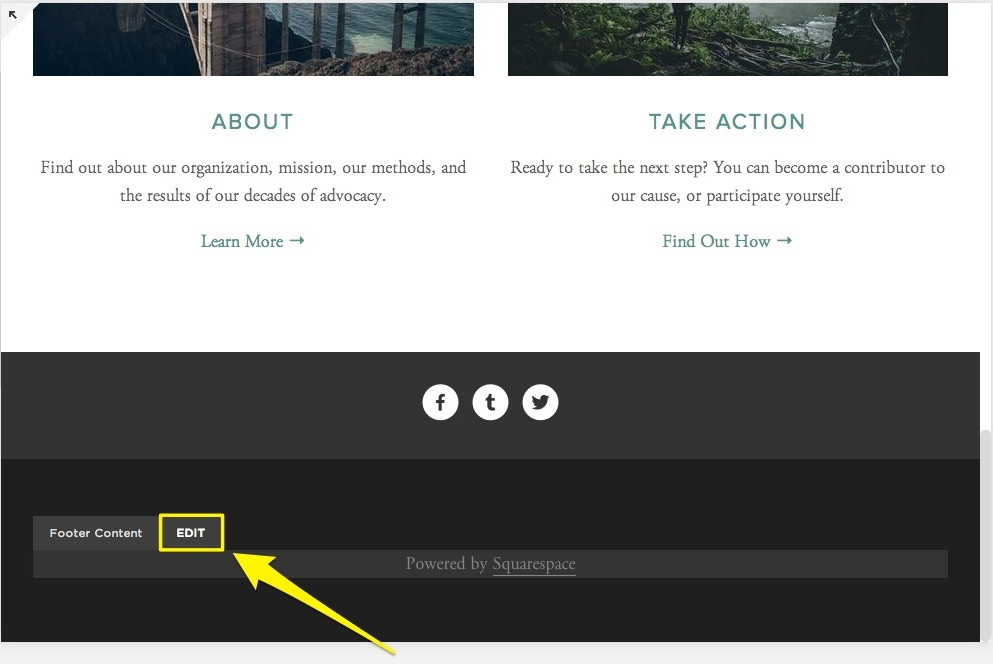
During my next few meetings at the Bate Brand office Elliott asked me if I can start working on the footer section of Signature Printing as at that point we pretty much had most of the content for the homepage. All images were in place, the layout was approved and the animation that I had implemented was working well. Where text content was needed, I put placeholder text which would later on be changed by Bate Brand’s copywriter – Laura. For the footer I attempted adding a contact form, subscribe button and a small text box that contains address details and contact number. Mark then joined in and showed me how to customize the fields in the contact form and how to display a response message.
Up to that point I and the rest of the team were pleased with the homepage. Subsequently, we decided that it was time to think about the rest of the sections in the main menu. I looked into other printing and print consultancy related websites’ navigation ideas more extensively and came up with some suggestions. I reckoned that the website should have a Services page with a dropdown menu that lists what printing products customers can inquire for. Those included business cards, stationery, promotional materials, leaflets, books and magazines. Although Squarespace supports dropdown menus we figured that including less items would work and look better. I researched whether or not a mega menu can be used within Squarespace’s functionality. 
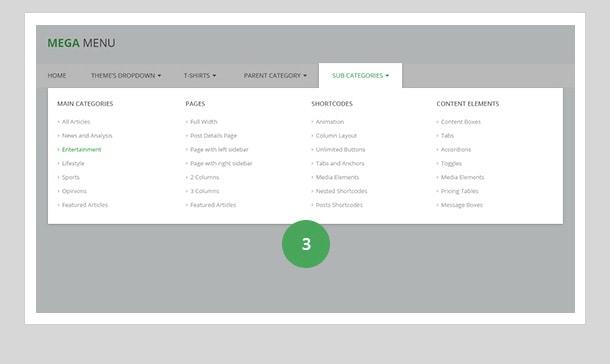
However, the only available option was a plugin which required purchasing and was unclear if it would look well on mobile devices. We decided that tackling this issue for that moment can be done with making a page in the form of a blog post named Inspiration that contained blog entries about the different products and aspects of printing that Signature Printing provides assistance with – Business Cards, Special Finishes, Fabric Display and Intelligent Inks. 


Comments

Popular posts from this blog

Implemening a Squarespace CSS Timeline

I showed Elliott the outcome of my attempts to incorporate a timeline that runs smoothly on Squarespace. I also did a lot of testing for tablet and phone mode (one of Squarespace’s features) and see how the platform responds to the code. Some of the codes did not perform as expected due to CSS segments that Squarespace does not support. However, I ended up choosing a timeline that had a modern look and a few options for customization – changing the icons and the background. Elliott was impressed with my progress as I also added more transition effects. Original CSS Code Customized CSS Code within Squarespace After doing a bit more testing I discovered that the icons don't show in an appropriate manner on mobile devices or any devices with smaller resolutions. As a result I decided to remove the icons but bring more contrast to the timeline items which joined by the animation effects would really make the content stand out Final Timeline Result Implemented ...

Work Experience Outcomes

The following post will concentrate on my experience with Bate Brand and how it affected my work ethic and existing interpersonal and professional skills. Teamwork When I was introduced to Squarespace, I often had to reach to Bate Brand’s Graphic Designer to show me how certain tasks such as modifying the layout of a page, incorporating custom CSS or changing the template can be done. An example of that was creating a blog page for the Signature Printing website. I had difficulties showing a summary of the categories of the blog and Elliott demonstrated how this can be done with inserting a new content block under the Summary section In another situation, putting text content on the website had to be synchronized with Bate Brand’s copywriter who notified me whenever any changes to the information on the website had to be applied (making text short, adding new sections that were missing before) CSS When working on specific elements of the Signature Printing ...